How to extract data from invoices to Excel
If you receive invoices as PDFs, getting their data into a spreadsheet usually means retyping it by hand. Here are the three realistic approaches, and how to pick the right one.
Option 1 — Manual entry
Copying vendor, date, totals and line items by hand works for a handful of invoices a month. It stops working fast: a person spends roughly 2–5 minutes per invoice, and a single mistyped total quietly corrupts your books. Fine at low volume, painful at scale.
Option 2 — DIY tools
For clean, consistent digital PDFs you can try Excel Power Query or a template-based parser. For scanned files you will need OCR. These help, but real-world invoices vary wildly — different layouts, currencies, tax rules — so template tools break on anything they were not built for, and OCR alone often returns raw text you still have to clean.
Option 3 — Automated extraction (recommended at volume)
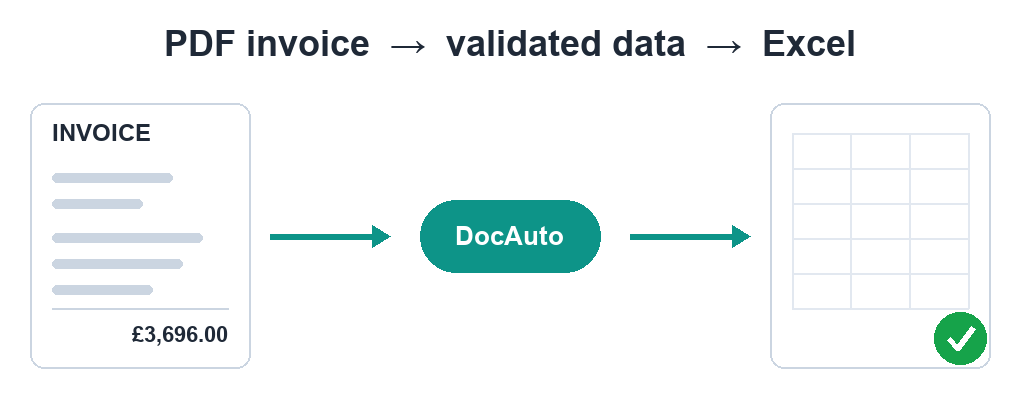
Modern extraction uses AI vision to read any layout and return structured fields — invoice number, dates, vendor, tax, totals and line items — regardless of format or language. The key is what happens next: the output should be validated, not trusted blindly.
Why validation matters
An extraction is only useful if the numbers are right. A good pipeline checks that line items sum to the subtotal, that subtotal plus tax equals the total, and flags anything that does not reconcile for a human to review. That is the difference between "data" and "data you can actually post to the ledger".
Skip the manual work
DocAuto turns your invoices, receipts and bills into clean, validated spreadsheet data — every figure checked before you get it.
Send a document — free sample