Invoice OCR vs manual data entry: what it really costs
Should you keep entering invoices by hand or automate? The honest answer depends on volume. Here is how the two compare.
The cost of manual entry
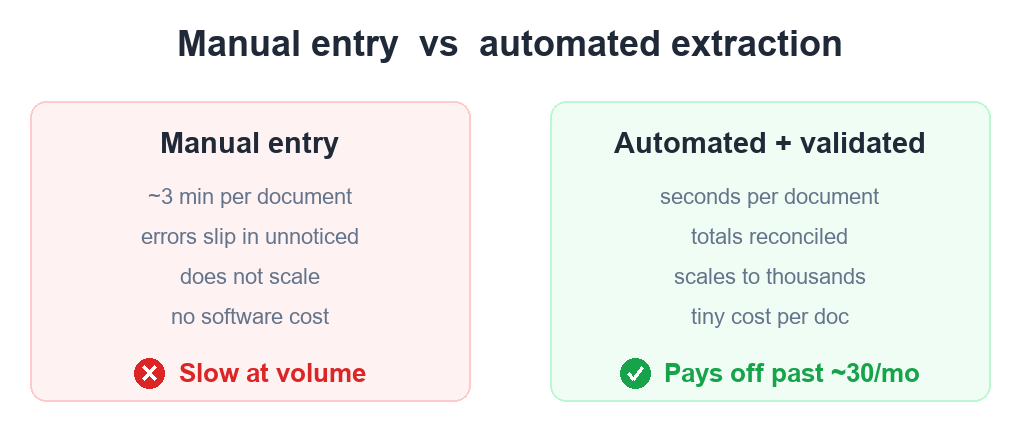
Manual entry has no software cost but a real labour cost: 2–5 minutes per invoice, plus the hidden cost of errors. At 300 invoices a month that is 10–25 hours — and one wrong figure can cost far more than the time saved.
The cost of automation
Automated extraction costs a small amount per document and returns data in seconds. The marginal cost per invoice is tiny; the value is the hours you stop spending and the errors you stop making.
Where the break-even is
Below ~30–50 documents a month, manual entry is often fine. Above that, automation usually pays for itself within the first month of saved time. The more you process, the more lopsided it gets.
Do not forget accuracy
Cheap OCR that returns unchecked text can be a false economy — you just move the work from typing to correcting. Extraction with a validation layer that reconciles totals is what actually removes the manual step.
Skip the manual work
DocAuto turns your invoices, receipts and bills into clean, validated spreadsheet data — every figure checked before you get it.
Send a document — free sample